There are two kinds of restaurant waitlist. One is the line outside the door at 7:00 PM, with a host holding a clipboard and a pager. The other is the list people join at breakfast for the counter that only seats ten. This post is about the second one, and the QR code that makes it work.
What the QR code is for
A QR code on the door, in the window, or in your Instagram bio lets people join the day's list before they arrive. They scan it at 8:00 AM, take a number, and show up knowing there is a seat. You get the list in order, with a phone number and a party size, before service starts.
The code itself never changes. It points at the hosted page for the waitlist, and the page belongs to the waitlist, not to a date. The count and the hours behind it start over every day on their own. Print it once, tape it to the door, and it is right for the rest of the year.
That is the difference from a Google Form or a link to a sheet. Those need a new form when the day is over, or someone to clear the rows, and the QR code has to be reprinted or the link changes. A waitlist with a daily reset is one link, forever.
The ready-made setup
This is the template for a ten-seat counter. It caps the day, opens in the morning, closes at noon, and asks for a party size.
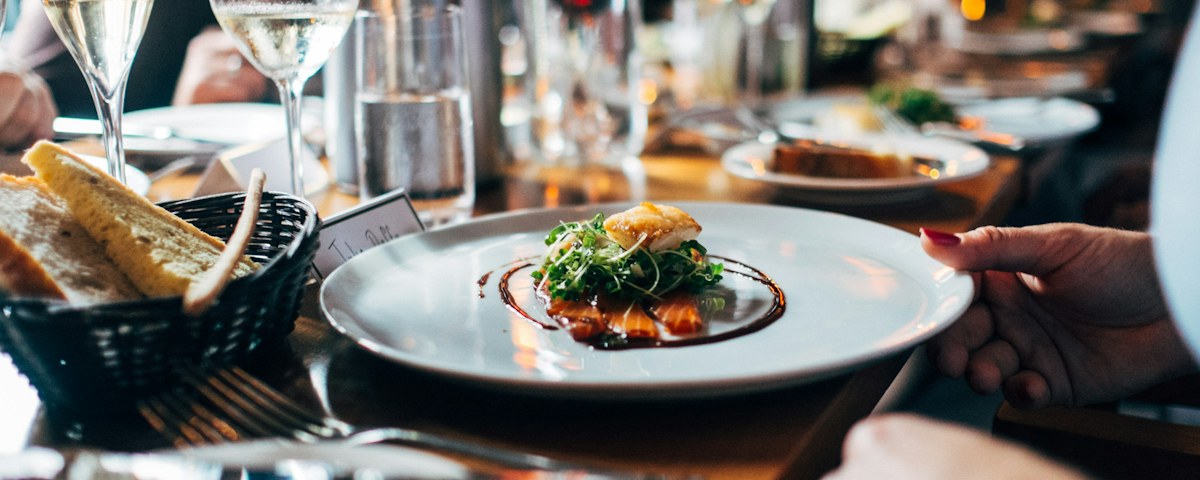

Ten seats per day. The count resets at 5:00 AM in your time zone, so anyone who scans late the night before is not sitting on today's list by mistake. Signups are open from 6:00 AM to noon, Tuesday through Saturday. Outside those hours the form is replaced by a note with the next opening time, and on Sunday and Monday it says the list opens Tuesday at 6:00 AM.
The form asks for a name, a phone, and a party size from one to four. Guests see "You're #7 today" on the success screen and get the same number in an email, with a status link.
Change the ten to your room and the hours to yours. A brunch place that seats 30 and books out by 9:00 AM would set 30 per day, reset at 5:00 AM, and close signups at 9:00 AM.
What a guest sees
They scan, type a name and phone, pick a party size, and tap "Take a number." The number appears. If they scan again from the same email, the form shows the number they already have instead of handing out a second one.
If their plans change, the private status link shown after signup lets them leave the line. The seat frees up for the next person, and you did not have to take a phone call to make it happen.
When the day is full, the code still works. The form says the seats are gone and tells them when tomorrow's list opens. After noon it says the same thing. The door does the explaining, not the host.
What you see
An email arrives for each signup, so you can watch the day fill before you have unlocked the door. The Entries tab lists guests in order with party size next to each name. Seat them in that order, mark them served, and send a "your turn" email to the next one when a table clears.
Export the day as CSV if you keep records, or on the $10 Starter plan push each signup to a webhook. A no-show gets deleted and the seat opens. Numbers are never reused, so two parties never both hold #7.
The same idea for a truck
A food truck is the same list with different hours. Thirty plates a day, count resets at 10:00 AM, and no fixed hours at all, because a truck's day ends when the food does. Pause the list from your phone when the last plate goes, and the form says sold out until you unpause it tomorrow.

The QR code on the side of the truck stays the same at every stop.
Where to put the code
The Share tab gives you the QR code and the hosted link. The code goes on the door, the window, the menu board, and a table tent by the register. The link goes in your Instagram bio, your Google Business profile, and the pinned post. If you have a website on Squarespace, Wix, or WordPress, the script tag puts the form on the page itself, and the same daily cap applies to every copy of it.
One list, several doors in. The count is shared, so a guest who scans the door and a guest who taps the bio link are in the same line.
When not to use us
Unwaited is not a host-stand pager. It has no SMS. If the problem you are solving is a crowd on the sidewalk at 7:00 PM waiting for a text that says "your table is ready," you may need an SMS paging or host-stand tool. Compare current capabilities and pricing before choosing one. We do not do any of that and are not going to pretend otherwise.
Plenty of restaurants use both. The nightly counter list, the brunch list, and the supper club run on Unwaited because they need a cap and a link people join from home. The line at the door at dinner runs on paper or on a pager app because it needs a text.
It also does not take deposits. If you need a card on file to cut no-shows, that is a reservation system, and most of them cost more than a cook's hourly rate per month. For a ten-seat counter where the list is free and the number is the promise, the QR code on the door is enough.